
Download iTranslate Translator Dictionary – translate, dictionary, voice translation, offline mode, multilingual, language learning, travel, student tool, text translation, phonetic spelling
Overview
iTranslate Translator Dictionary is a mobile application developed by Sonico GmbH, designed to assist users in translating text and understanding foreign languages. The app supports translation between English and over 100 other languages, making it a versatile tool for multilingual communication. Its core purpose is to bridge language gaps in real-time, enabling users to translate written text, spoken words, and individual vocabulary with accuracy and speed. The app is particularly useful for travelers navigating foreign countries, students studying new languages, and professionals communicating across borders.
With a built-in comprehensive dictionary, users can look up individual words and phrases, ensuring precise translations even in complex contexts. The inclusion of voice translation allows users to speak naturally, and the app will convert their speech into the target language while providing phonetic spellings to aid pronunciation. This feature is especially beneficial for language learners who want to improve their speaking skills. Additionally, the app offers an offline mode, allowing users to access translation services without an internet connection—ideal for use in remote areas or on international flights.
While the app is available for free on Google Play, it includes in-app purchases for premium features. The developer did not provide additional details about target user demographics beyond general use cases. The application is designed for practical, on-the-go language assistance, supporting both casual and intensive language use.
Key Features & Capabilities
- Text Translation: Convert written content from English to over 100 supported languages with accurate syntax and context preservation.
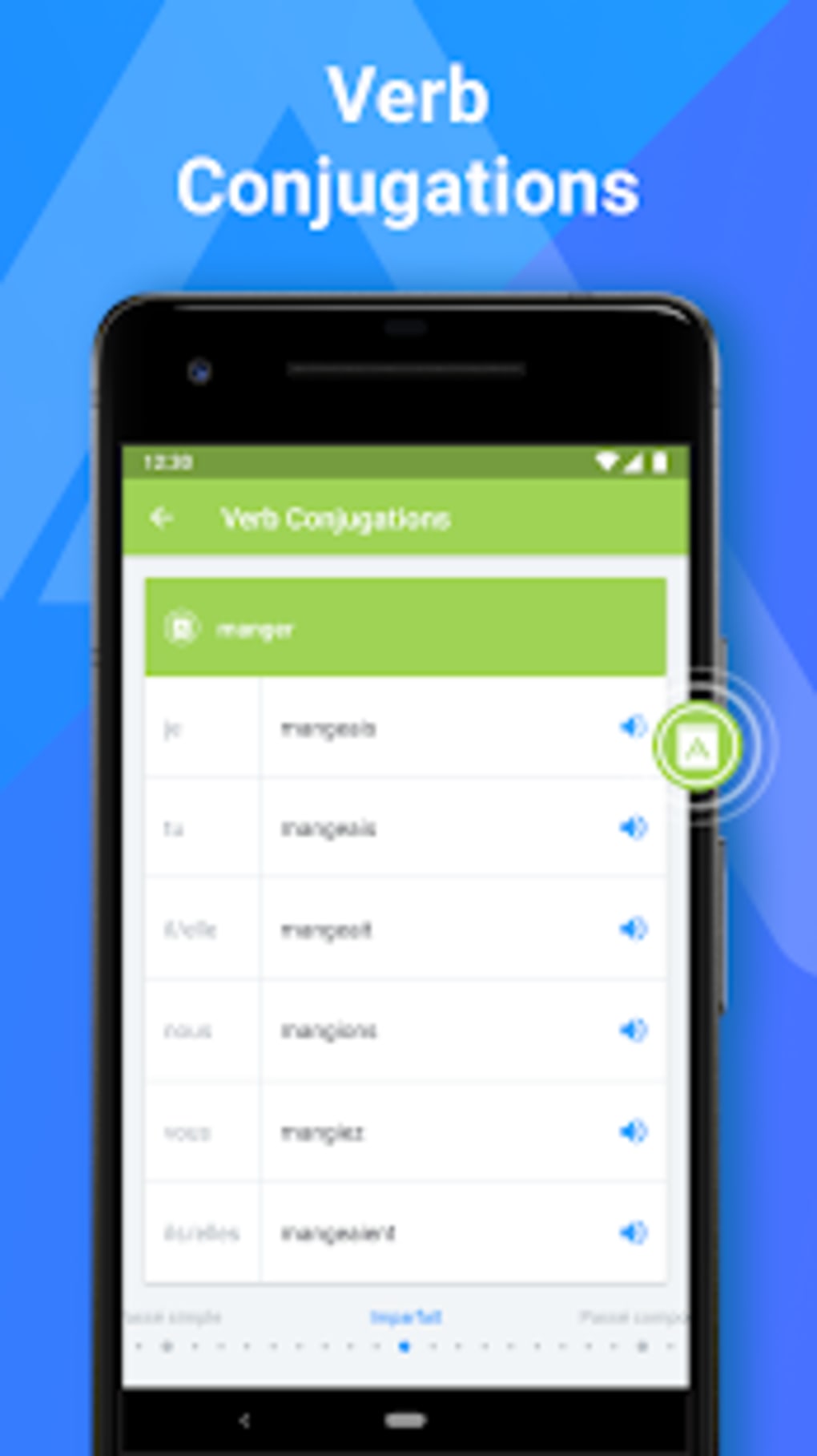
- Dictionary Integration: Access a large, comprehensive dictionary to look up individual words and phrases with detailed translations.
- Voice Translation: Speak into the app to receive real-time translation of spoken sentences, including phonetic spelling for pronunciation guidance.
- Offline Mode: Perform translations without an internet connection, enabling functionality in areas with limited or no connectivity.
- Phonetic Spelling: Receive phonetic representations of translated words to help users pronounce them correctly.
- Language Learning Support: Offers tools beneficial for students and language enthusiasts seeking to expand vocabulary and improve comprehension.
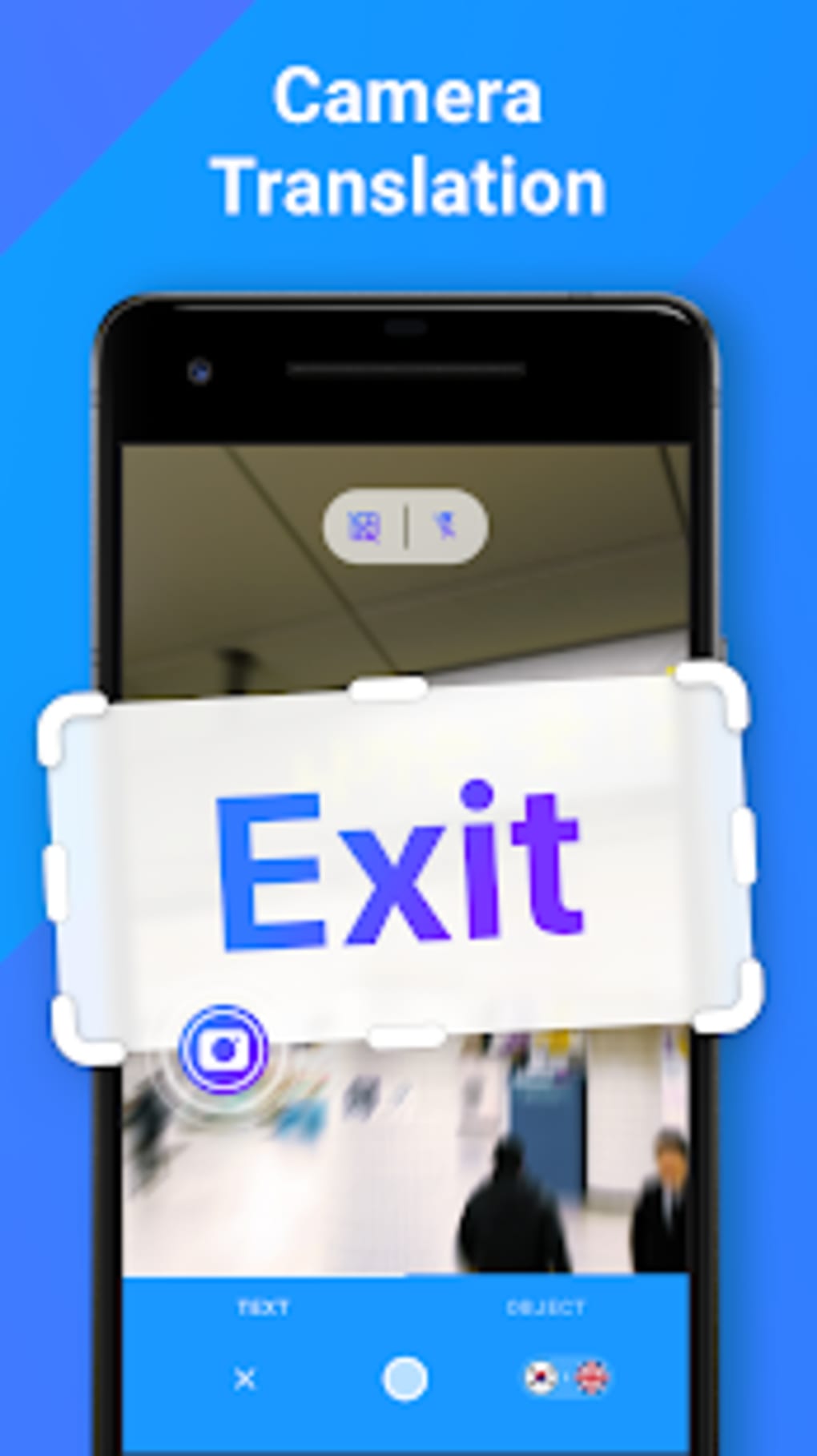
These features are designed to enhance communication across language barriers. For example, a traveler in Japan can use the app to translate a restaurant menu, speak a request aloud, and hear the correct pronunciation. A student studying Spanish can look up unfamiliar words, hear their pronunciation, and practice speaking. The app’s ability to function offline ensures users remain productive even in challenging network environments. The combination of text, voice, and dictionary tools makes it a multi-functional utility for both immediate translation needs and long-term language development.
User Interface, Workflow & Performance
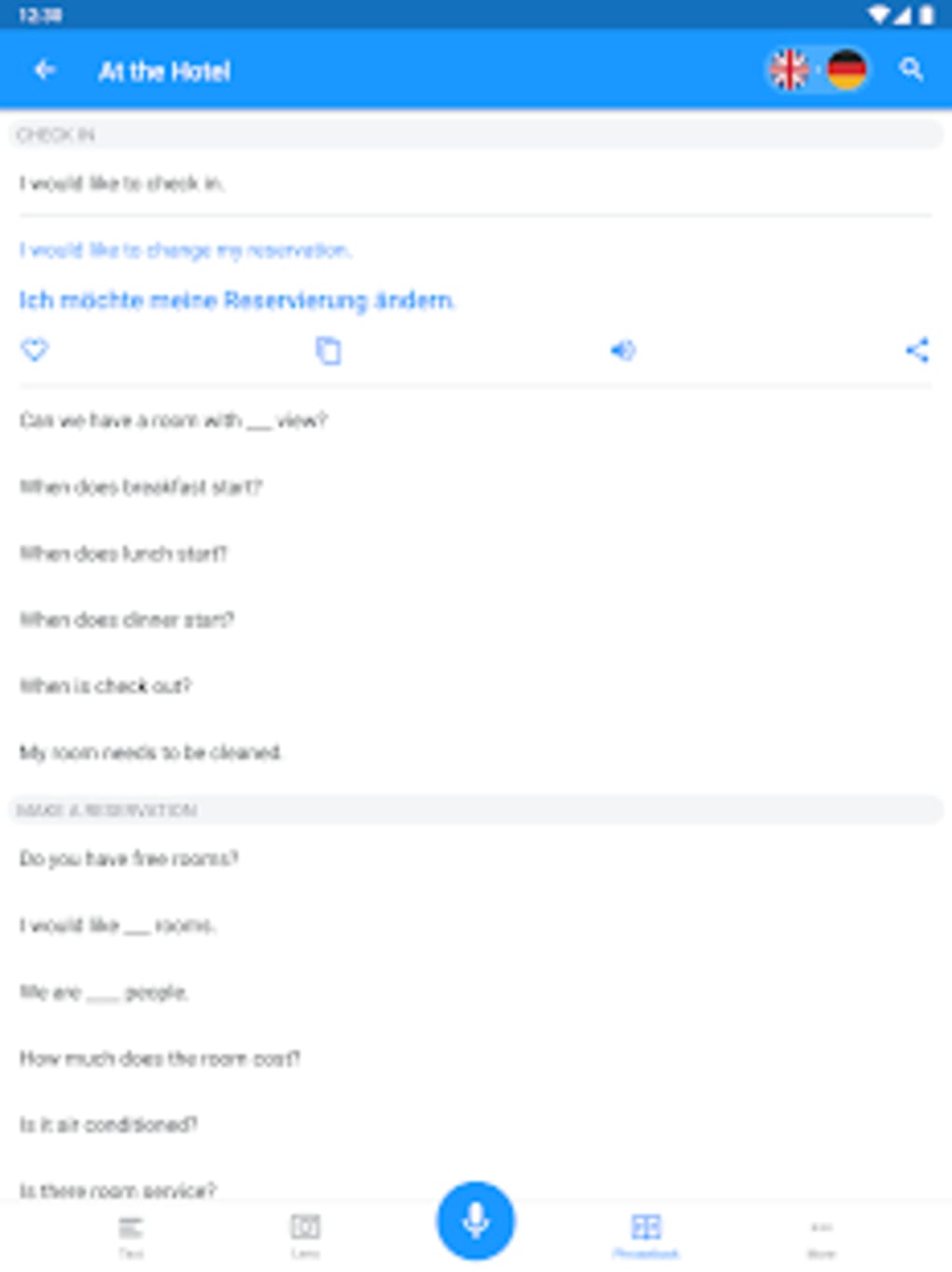
The user interface of iTranslate Translator Dictionary is structured for simplicity and quick access to core functions. Main navigation centers around a clean input field for text translation, a microphone button for voice input, and a dedicated dictionary section. The layout prioritizes usability, allowing users to switch between translation modes with minimal steps. The workflow is intuitive: users enter or speak text, select a target language, and receive the translation instantly.
Navigation between features is straightforward, with clearly labeled icons and sections. The app maintains a consistent design language, contributing to a seamless user experience. While performance details were not specified by the developer, the application is designed to respond quickly to input, ensuring minimal delay in translation output. The app’s efficiency is enhanced by its offline mode, which reduces dependency on real-time data processing.
Stability and resource usage were not publicly documented. However, the app’s size of 72.5 MB suggests a compact footprint, which may contribute to efficient memory management. The developer did not provide information on CPU or RAM behavior. General software behavior patterns suggest the app remains responsive during typical use, though heavy multitasking may affect performance. No reports of crashes or bugs were mentioned in the provided information.
Compatibility & System Requirements
iTranslate Translator Dictionary is designed for Android devices and runs on version 8.1.2. The application has a file size of 72.5 MB, indicating a lightweight installation that should fit on most modern smartphones and tablets. The developer did not specify exact system requirements, such as minimum RAM, processor speed, or storage space beyond the app size.
Compatibility information is limited to the Android platform. Users should ensure their device is running a supported version of the operating system to install and run the application. The app is available through Google Play, which typically handles compatibility checks during installation. The developer did not provide details on whether the app supports tablets, foldable devices, or older Android versions.
Performance and stability under different hardware configurations were not described. The developer did not list specific hardware requirements, so users should rely on standard Android compatibility standards when installing the app.
Pros and Cons
Pros
- Supports translation across 100+ languages, enhancing global communication.
- Includes a comprehensive dictionary for accurate word lookup.
- Offers voice translation with phonetic spelling for improved pronunciation.
- Features offline mode for use without internet connectivity.
- Compact file size (72.5 MB) ensures efficient storage use.
- Free to download with optional in-app purchases for enhanced features.
Cons
- Free version may include ads or limited functionality compared to premium.
- Exact system requirements and hardware compatibility details were not provided.
- Performance under heavy usage or on older devices was not documented.
- App is limited to Android, with no information on iOS or other platforms.
- Developer did not specify update frequency or long-term support plans.
FAQ Section
Is iTranslate Translator Dictionary available for iOS?
The provided information indicates that the app is available for Android only. No details were given about iOS compatibility or availability on other platforms.
Can I use iTranslate without an internet connection?
Yes, the app includes an offline mode that allows users to perform translations without an internet connection, making it suitable for travel or remote areas.
Is the app safe to download and use?
iTranslate Translator Dictionary is available on Google Play, which applies security checks to apps. The developer, Sonico GmbH, is listed as the provider. Users should download from official sources to ensure safety.
Does the app require a subscription to use?
The app is free to download and use, but it offers in-app purchases for additional features. The basic translation and dictionary functions are available without a subscription.
Can I use the voice translation feature to learn pronunciation?
Yes, the app provides phonetic spelling of translated words, which helps users learn and practice correct pronunciation in the target language.
Final Thoughts + CTA
iTranslate Translator Dictionary stands out as a practical, feature-rich tool for anyone needing quick and accurate language translation. Its combination of text, voice, and dictionary capabilities, along with offline functionality, makes it highly effective for travelers, students, and language learners. The app’s compact size and free availability increase its accessibility, while the inclusion of phonetic spelling adds educational value.
While the lack of detailed system requirements and platform-specific information limits full transparency, the app’s core functionality remains robust and well-suited for everyday use. For users seeking a reliable, multi-functional language tool on Android, iTranslate Translator Dictionary delivers strong performance and versatility.
Download iTranslate Translator Dictionary now





.png)

